UI Design With AI: Why 'Make It Pretty' Isn't Enough
A developer out of their comfort zone
I’ve been working on some frontend-heavy projects recently, and it pushed me into unfamiliar territory: actual UI design. Not wiring up components or tweaking CSS. Deciding what a landing page should look like for a specific product and a specific audience.
I’ve built landing pages before. General-purpose ones where you throw together a hero section, some features, a call to action, and call it done. AI handles that fine. You say “build me a landing page” and you get something that looks professional. Clean layout, nice typography, pleasant colors.
But that’s where I got stuck.
Beautiful vs. suitable
There’s a real difference between a page that looks good and a page that works for your product. When you give an AI a vague prompt like “build a landing page for my product,” it draws from general knowledge. You get something that looks like a landing page. It won’t know who your users are, what feeling you want to convey, or what action you want visitors to take.
It’s like asking someone to cook dinner without telling them who’s coming. You’ll get food. It might not be the right food.
As a developer, my instincts were wrong for this. My mind jumped to frameworks, architecture, performance, bundle size. The technical stuff. But the actual starting point turned out to be somewhere completely different.
The workflow I landed on
After trying a few approaches, I found a process that clicked. You start broad and narrow down gradually.
First, you define the persona. Who visits this page? What do they care about? A landing page for enterprise IT managers looks and feels different from one targeting indie creators. This shapes everything downstream.
Then you define the purpose. Is this page supposed to drive sign-ups? Build trust? Educate? The answer determines the structure. An education-focused page needs different sections than a conversion-focused one.
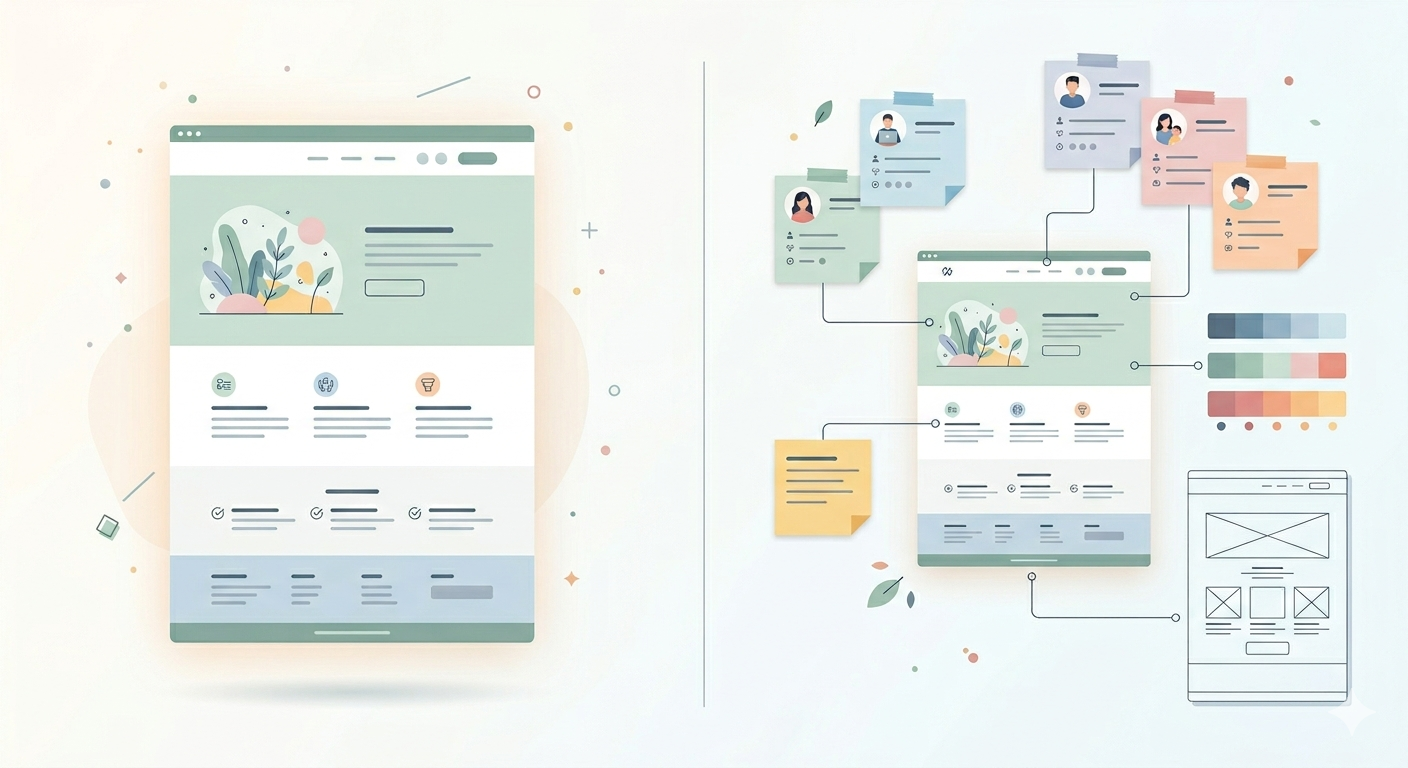
Here’s the part that was new to me: you create design tokens based on the persona and purpose. The visual language of the page. Colors, typography, spacing, the overall tone. You’re not picking colors because they look nice. You’re picking them because they fit the people you defined and the goal you set.
After that, you outline what sections the page actually needs. Not code, just the big picture. Do we need a gallery? Testimonials? FAQ? Pricing comparison? Every section should earn its spot based on the persona and purpose, not because “landing pages usually have this.”
Then you combine all of it into a spec document and feed it to the agent.
What changes when you do this
When you hand an agent a detailed spec, it knows what it’s building. It’s not producing a generic page from its training data. It’s building something specific, with intention behind every section.
Without a spec, you’re giving the agent 100 puzzle pieces from different puzzles and hoping it assembles something coherent. With a spec, you’re giving it the picture on the box lid.
Consistency across pages
There’s another thing I didn’t expect. A landing page is just one page in a larger product. You also need an about page, pricing, documentation, maybe a blog. Without shared design foundations, each page feels like it was built by a different person on a different day.
But when you have defined personas, design tokens, and a consistent tone, those foundations carry across every page. The agent produces pages that belong together. The whole product feels cohesive instead of stitched together from unrelated pieces.
You can’t really get that by telling the AI “make it look good” each time. It happens naturally when the design decisions live in a reusable spec.
What I actually learned
The design process with AI works the same way as any good engineering process: understand the problem before you jump to the solution. The difference is that for UI work, the “problem” isn’t technical. It’s about people and intent.
I don’t have formal design training. This workflow saved me because I didn’t need any. I just needed to answer the right questions before I started building. The AI handles visual execution. You handle the brief.
Start with who, then why, then how it should feel, then what it needs. Only then let the agent build.
Coming from a pure development background, I expected the hard part of frontend work to be the code. Turns out the hard part is knowing what to build. AI can’t figure that out for you. But once you do that thinking, it becomes a surprisingly good design partner.