The moment that stuck with me
A RAG chatbot is more useful when it refuses to answer questions that are not covered by the retrieved context. That one behavior does a lot of work: it reduces hallucinations, makes gaps in the knowledge base visible, and gives users a clearer reason to trust the answers it does return.
I already wrote about building my first RAG solution, so I won’t repeat the basics. What I want to talk about is one specific moment from that project. The moment the whole thing actually clicked for me.
A lot of this comes back to the same idea I wrote about in three stages of an agent workflow: the model needs a feedback loop, not just a prompt.
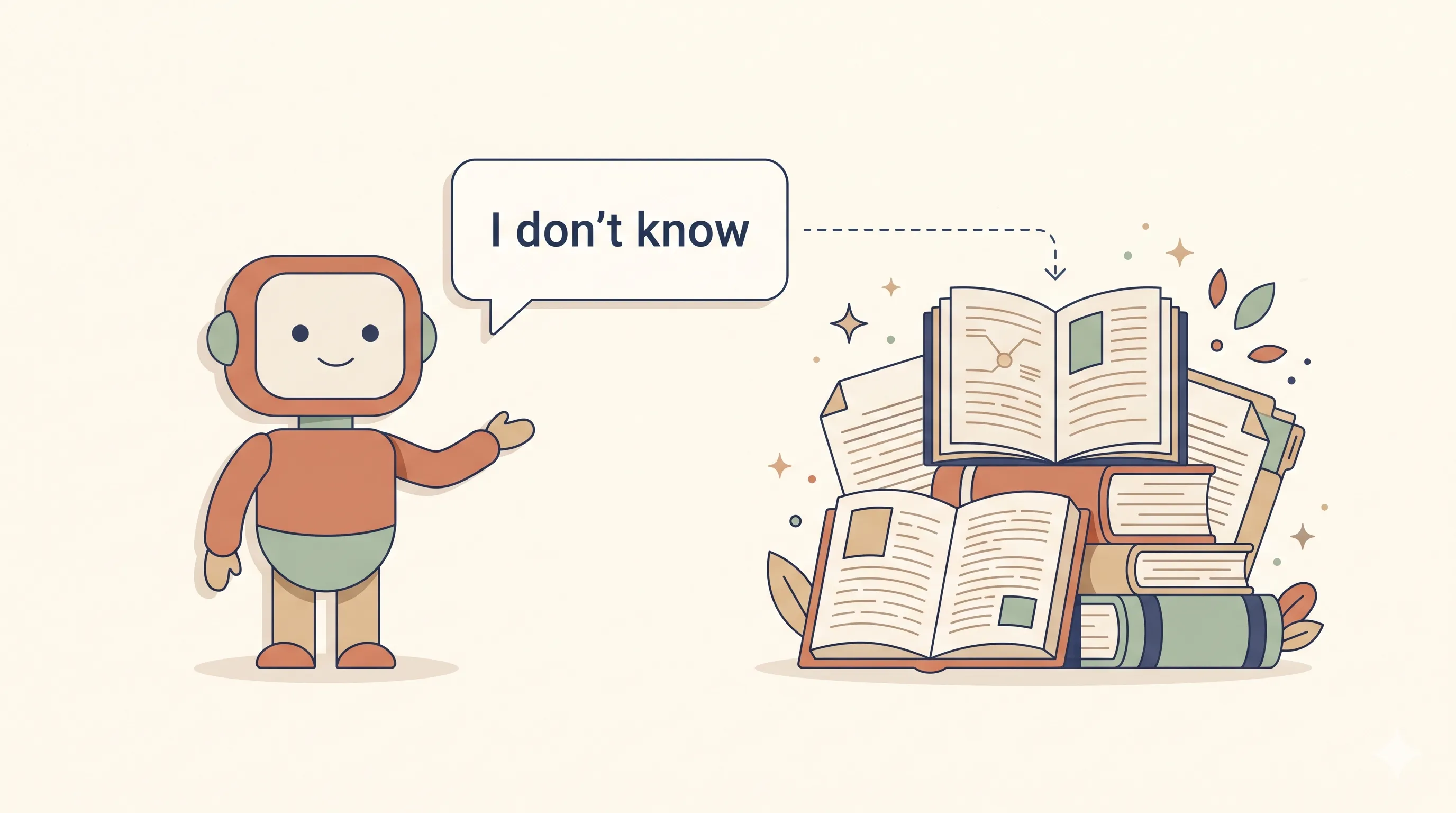
It wasn’t the retrieval part, or the embeddings. It was watching the chatbot say “I don’t know.”
The superpower nobody warns you about
Once you bolt RAG onto a chatbot and tighten the prompt a bit, you unlock something a regular chatbot basically can’t do. The bot can admit it doesn’t have the answer.
That sounds funny when you say it out loud. “Look at my cool new feature, it says I don’t know.” But for the use cases where RAG actually matters, this is a huge step up.
Why this matters more than it sounds
Think about where these chatbots usually get deployed. Customer service, internal help desks, anything plugged into a company’s own documentation. In those settings the user is not asking the bot for a general fact. They want an answer grounded in the company’s actual material. The policy doc, the runbook, whatever the team has written down.
A regular chatbot doesn’t separate those two worlds. It pulls from whatever it absorbed during training and fires back something that sounds confident. Sometimes the answer is fine. Sometimes it’s a clean fabrication that has nothing to do with the actual policy, and the user has no way to tell which one they got.
For this kind of use case, a fake answer is worse than no answer.
What “I don’t know” actually buys you
When the bot is allowed to say “I don’t know based on the provided material,” a few useful things happen.
The user finds out the knowledge base doesn’t cover their question. That itself is information they didn’t have a second ago.
A staff member can step in, either answer directly or feed the missing document into the system, and the next person who asks gets a real answer.
Trust also goes up over time. People start to believe the bot when it does answer, because they’ve seen it decline when it shouldn’t.
A confident hallucination quietly breaks all of that. You don’t even know the bot failed, so nobody steps in, and you slowly stop trusting it without being able to say why.
The prompt tweak
The retrieval part does most of the work. You pull the chunks that are closest to the question and pass them to the model. But the prompt is what tells the model what to do when those chunks don’t actually contain the answer.
The shape of the instruction is roughly: answer only from the provided context. If the context doesn’t cover the question, say you don’t know. Don’t fall back to general knowledge, don’t guess.
That’s it. A few extra lines in the system prompt. Combined with retrieval, the behaviour flips.
What surprised me
Two things.
First, how easy this was to apply. I assumed this kind of behaviour would need fine-tuning or some special model. It didn’t. Just retrieval and a tighter prompt.
Second, how uncommon this behaviour feels in normal chatbots. Most of the time you talk to a bot, it tries to answer everything. “I don’t know” gets treated like a failure state. But in a knowledge-base setting, “I don’t know” is one of the most valuable things the bot can say.
We spend a lot of effort trying to make models smarter. Less effort teaching them to recognise where their knowledge actually ends. Both matter.
Where I’m landing
Out of everything I picked up from building this chatbot, this was the lesson that surprised me most. Not the embeddings or the vector database stuff. The lesson was that one of the most valuable features of a RAG chatbot is its ability to refuse to answer.
For anything customer-facing or tied to an internal knowledge base, I’d rather ship a bot that sometimes says “I don’t know” than one that occasionally invents company policy. The first one is a tool. The second one is a problem waiting to happen.
Built a RAG chatbot expecting to learn about retrieval. Ended up thinking more about when the bot should keep its mouth shut.