The feature I kept ignoring
Git worktree gives you multiple working directories for the same repository, which makes it useful when AI agents or teammates need to work on different branches in parallel without constantly switching context.
I’d written about git worktree before, and I’d heard it come up in discussions about parallel workflows plenty of times. Every time I nodded and thought “that sounds useful” and then went back to my single-branch life.
If you’re figuring out how this fits into a longer-running agent setup, it pairs naturally with the feedback loop I wrote about in three stages of an agent workflow.
My normal workflow was simple: one branch, one agent, one task at a time. Sometimes I’d open a second agent for a code review or quick QA check, but that was it. The most I ever pushed it was three agents at once: one implementing, one doing research with Gemini, and one handling frontend. Even then, they barely touched the same files, and the work was still mostly sequential.
So I never felt the need to try worktree. Until recently.
The situation that changed my mind
I landed in a stretch of urgent work. The workload was heavy, and I was the only developer on the team. Nobody to hand things off to.
That’s when I decided to try git worktree. If I was going to survive this, I needed multiple agents running on different features at the same time. Actual parallel work, not just queuing tasks behind each other.
What git worktree actually does
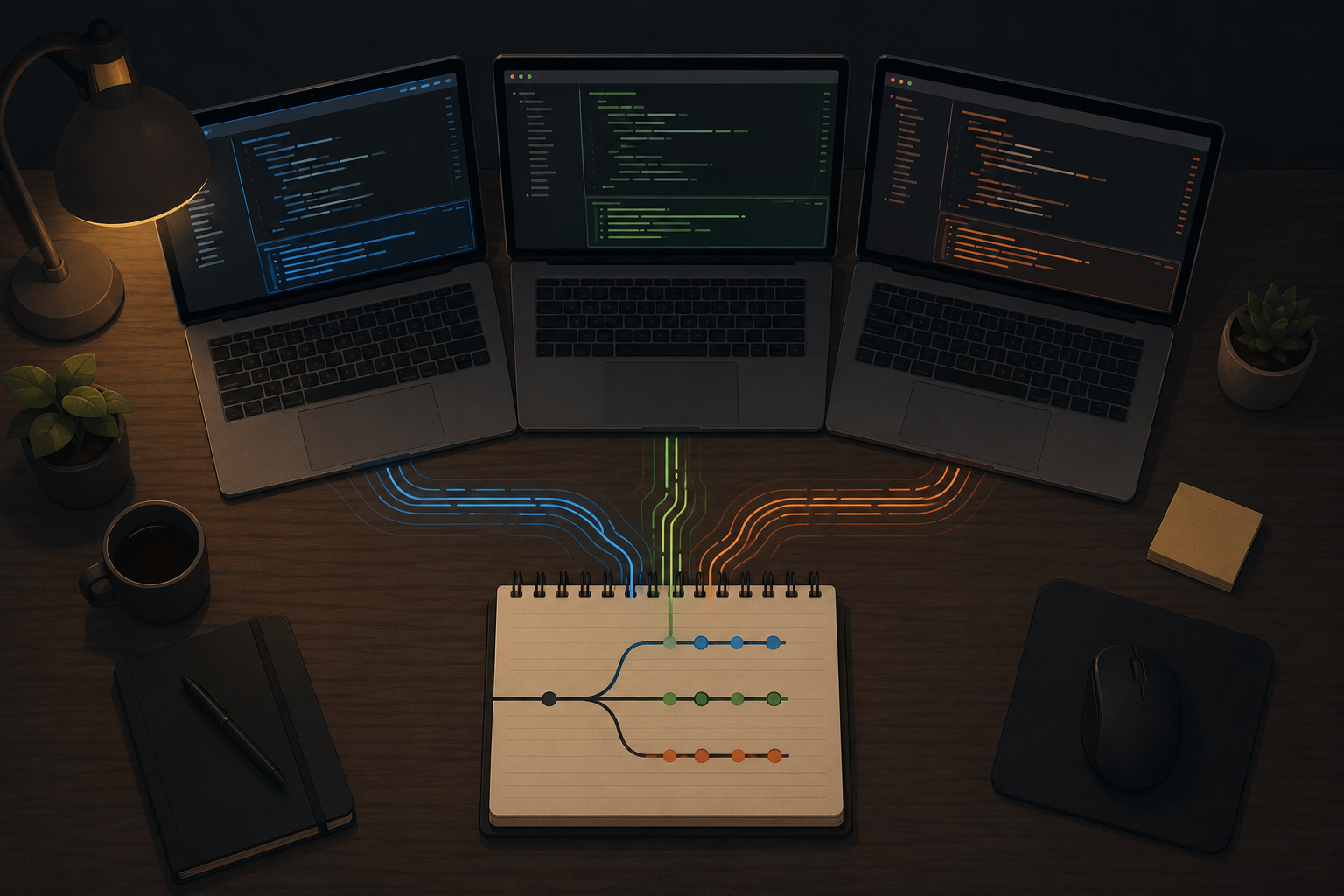
The concept is simple. Instead of one working directory for your whole repo, you create separate ones, each tied to a different branch.
Say your repo lives at ~/project/myapp. With worktree, you create:
~/project/myapp-feature-onefor feature one~/project/myapp-feature-twofor feature two
On your computer, it looks like you now have three separate repos: one for main, one for feature one, one for feature two. You walk into whichever folder you need and work normally. When a feature is done, you merge it back to main and handle conflicts the same way you always would.
They’re just separate folders sharing one git history. Nothing else to install or configure.
Why this matters for multi-agent workflows
The thing that caught me off guard was how clean it felt. Once each agent has its own worktree, they stay out of each other’s way. Agent A can be working on a refactor in one folder while Agent B builds a new feature in another.
When it’s time to merge, you deal with conflicts branch by branch, the same way you would with any normal feature branch. The difference is that the work really happened in parallel, not one after the other.
Easier than I expected
I think the reason I kept putting worktree off was that I assumed it would be complicated. Some new mental model I’d have to learn, or some sharp edge waiting to bite me at the worst time.
It wasn’t. It’s a couple of commands: git worktree add to create one, git worktree remove when you’re done. Everything in between is normal git. You commit, you push, you merge.
Since I’m using agents, the setup is even easier. I point an agent at a worktree folder and let it run. I’ve even started building a small agent skill to handle the worktree operations for me.
Where I’m landing
Git worktree is one of those features that sounds nice in theory and turns out to be genuinely useful, but only when you actually need it. If you’re working sequentially on a single branch, you probably won’t miss it.
If you ever find yourself needing real parallel work, especially with agents, it’s worth trying. The setup is minimal, the separation between branches is real, and the merge conflicts at the end are the same ones you’d have anyway. You just get there faster because the work happened at the same time.
I wish I had tried it sooner. Not because it would have saved me from disaster, but because the moment I needed it, I could have started immediately instead of figuring it out on the spot.
Knew git worktree existed for years. Ignored it until I was the only developer drowning in urgent work. Turns out it’s just separate folders for separate branches, and it makes parallel agent work actually happen in parallel.